Setup guide
First Setup in Betaflight
The Betaflight settings that follow from how the Fiodel F405 is wired: which UART is which, the receiver, the motors, and the voltage and current scales.
01Connect
Plug in USB-C and open Betaflight Configurator. The board ships with Betaflight flashed. To flash it again, hold the boot button while plugging in USB: the board starts in DFU mode.
Take the propellers off before you go any further, and leave them off until the last step.
02Ports
Each socket is wired to one UART. On the Ports tab, switch on what you have connected:
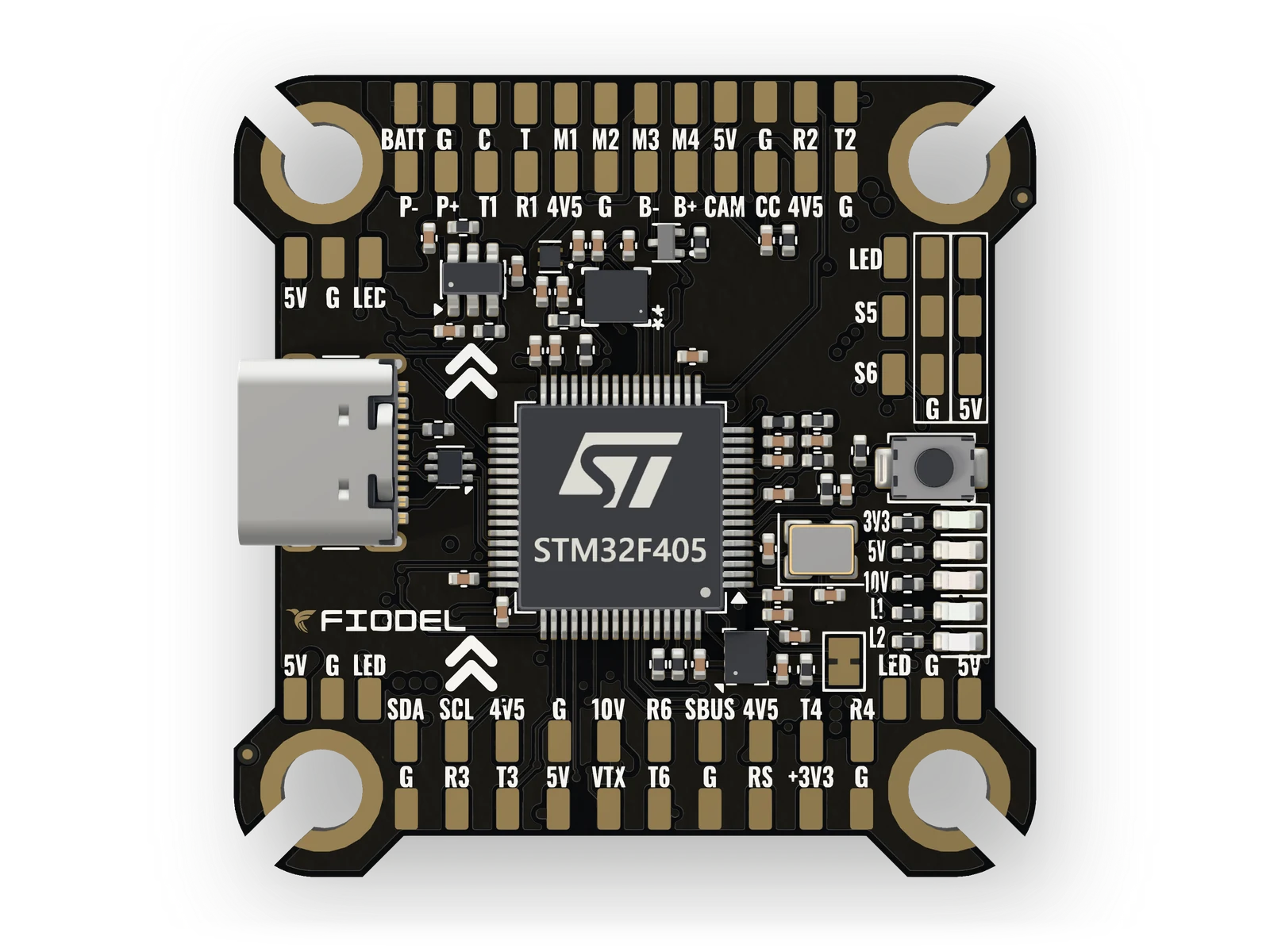
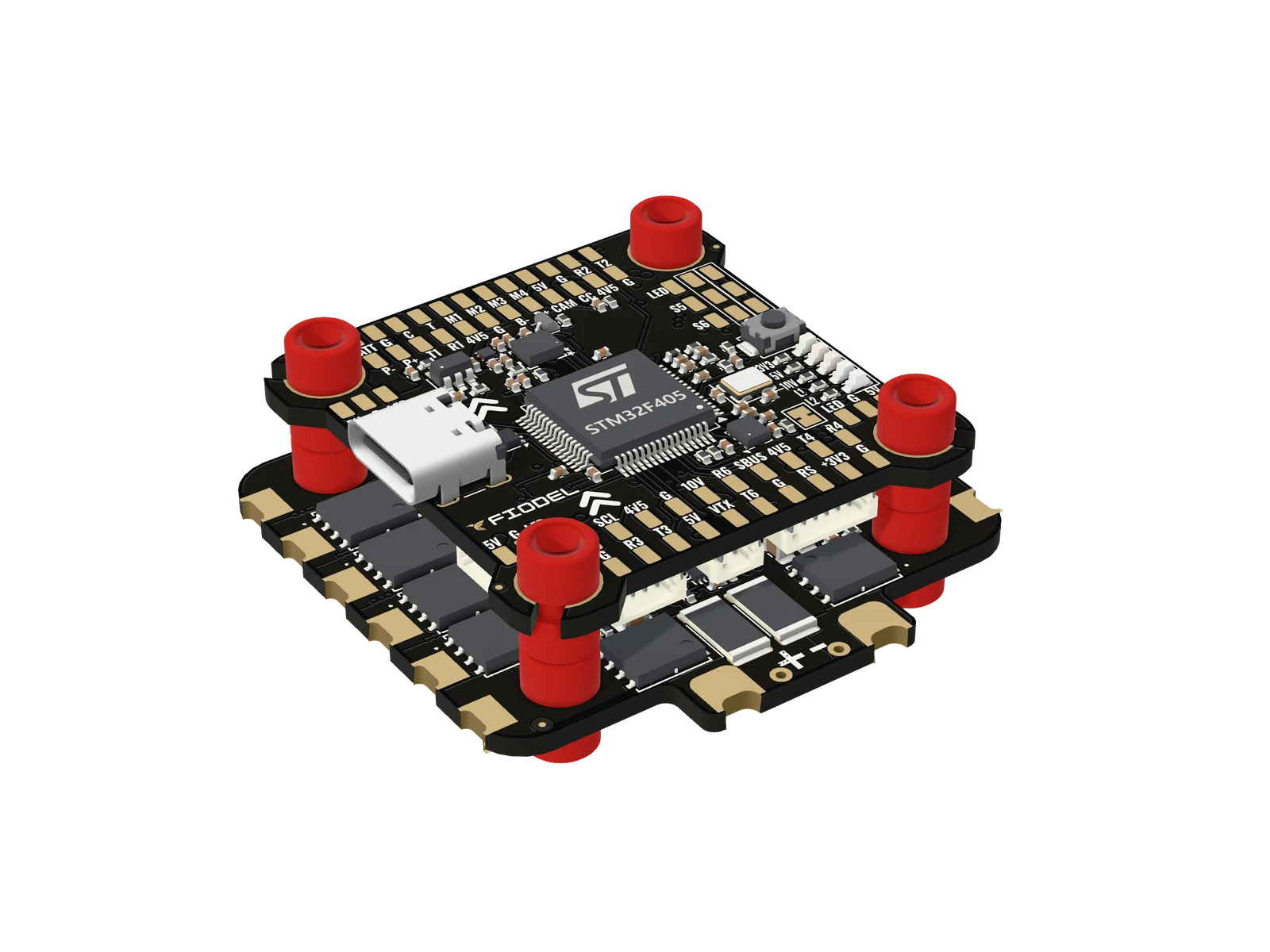
UART Where it is on the board Set it to UART2 Receiver socket J8 Serial Rx UART6 Second serial socket J5 Whatever you plug in there UART4 GPS socket J10 Sensor input: GPS UART3 VTX: socket J7, socket J4 and the T3 / R3 pads VTX (TBS SmartAudio) for an analog transmitter, or MSP for a digital air unit UART5 ESC telemetry, on the ESC socket (receive only) Sensor input: ESC UART1 SBUS input (inverted on the board), and the R1 / T1 pads Serial Rx, only if your air unit's SBUS is the receiver 03Receiver
On the Receiver tab choose Serial (via UART) as the receiver mode. For an ExpressLRS receiver the provider is CRSF. Bind the receiver, then check that the channel bars follow the sticks and that the channel order matches your transmitter.
04Motors
Set the ESC protocol to DShot. The Fiodel 4-in-1 ESC supports bidirectional DShot as well. With the propellers off and a battery connected, spin each motor from the Motors tab and check its position and direction; a motor that turns the wrong way is reversed in the ESC's settings or by swapping any two of its three wires.
05Voltage and current
On the Power & Battery tab, both meters read from the board (Onboard ADC):
- Voltage: the board's divider is 11:1, which is a voltage scale of 110. Compare the reading with a multimeter on the battery and adjust if they differ.
- Current: the Fiodel 4-in-1 ESC reports 10 mV/A, which is a current scale of 100. With another ESC, use the figure its maker gives.
06OSD, GPS and compass
The analog OSD draws on video that comes in on the CAM pad and leaves on the VTX pad or the analog VTX socket; set what it shows on the OSD tab.
If you have the GPS fitted, switch GPS on in the Configuration tab. The compass on the Fiodel M10 GPS + Compass needs Betaflight 2026.6.0 or newer.
07Before the first flight
Set a failsafe, an arm switch and your flight modes, and check on the Setup tab that the model on screen moves the way the quad does. Only then fit the propellers.
Stuck, or something here does not match your board? Ask us on WhatsApp.