Setup guide
Setting Up the M10 GPS + Compass
Mount and wire the Fiodel M10 GPS + Compass, switch it on in Betaflight and know what its two LEDs are telling you.
01Mount it
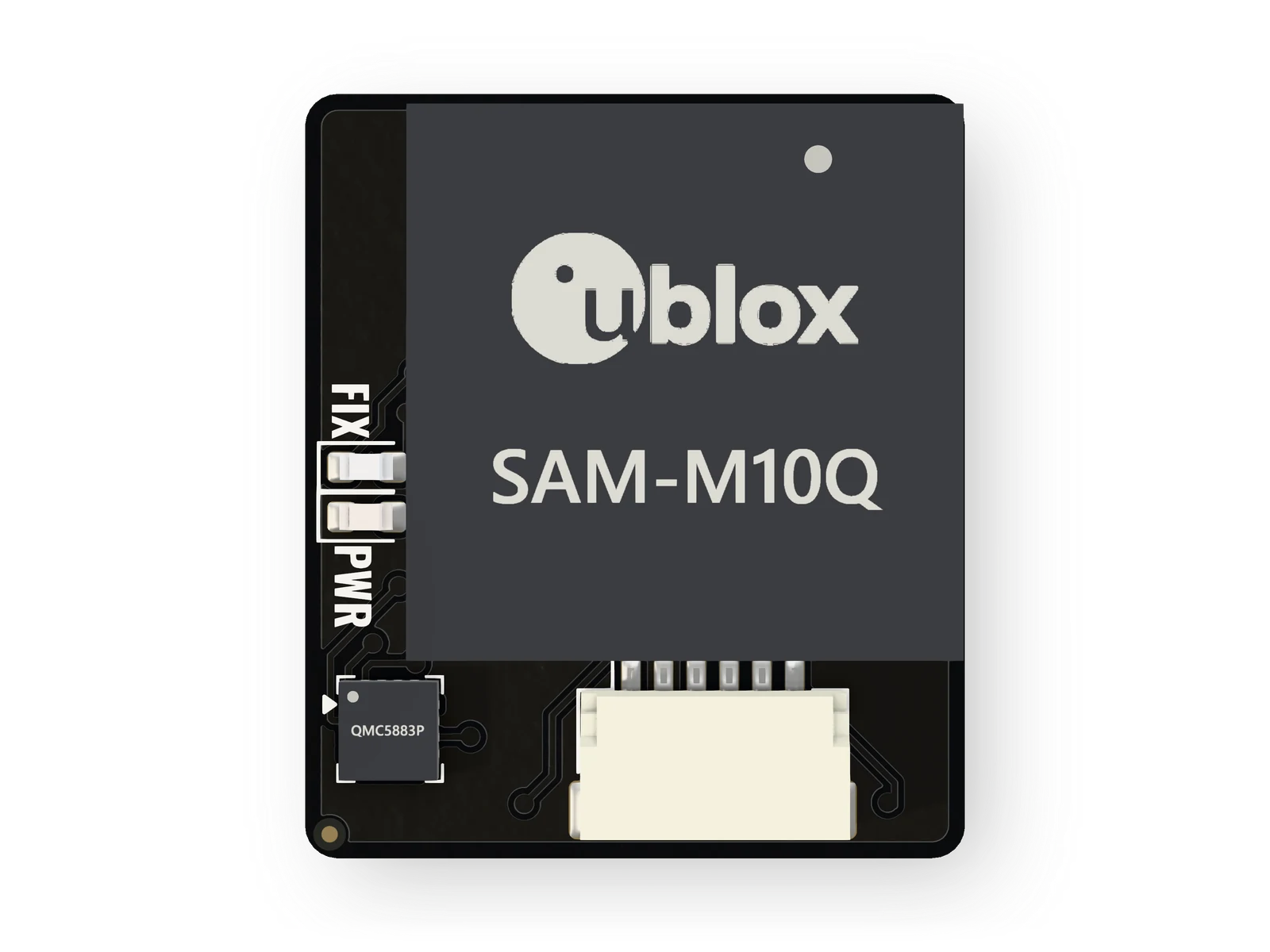
The patch antenna is part of the u-blox module on the board: there is nothing to fit. Mount the module with the antenna facing the sky and keep at least 5 mm clear above it. The board has no mounting holes.
CarefulDo not wash the module or apply conformal coating.
02Wire it
On the Fiodel F405 Flight Controller use the Y-cable: its 4-pin end goes into J10 (GPS, UART4), its 2-pin end into J9 (compass).
On another flight controller use the tinned-lead cable: white to a UART RX pad, green to the matching TX pad, blue to SDA, yellow to SCL, red to 5 V, black to ground.
CarefulNever use a straight 6-pin to 6-pin cable. On many flight controllers the 6-pin socket is a digital-VTX port with battery-level voltage on pin 1.
03GPS in Betaflight
On the Ports tab set the GPS's UART to Sensor input: GPS — UART4 on the Fiodel F405. On the Configuration tab switch GPS on and leave the protocol on UBLOX with automatic configuration: the module starts at 9600 baud and Betaflight sets it up from there.
04Compass in Betaflight
The compass is a QMC5883P on I2C. Betaflight supports it from version 2026.6.0; older releases only know the earlier QMC5883L and will not detect it.
Once it is detected, check the heading against a real compass and set the magnetometer's alignment to match the way the module is mounted.
05What the LEDs mean
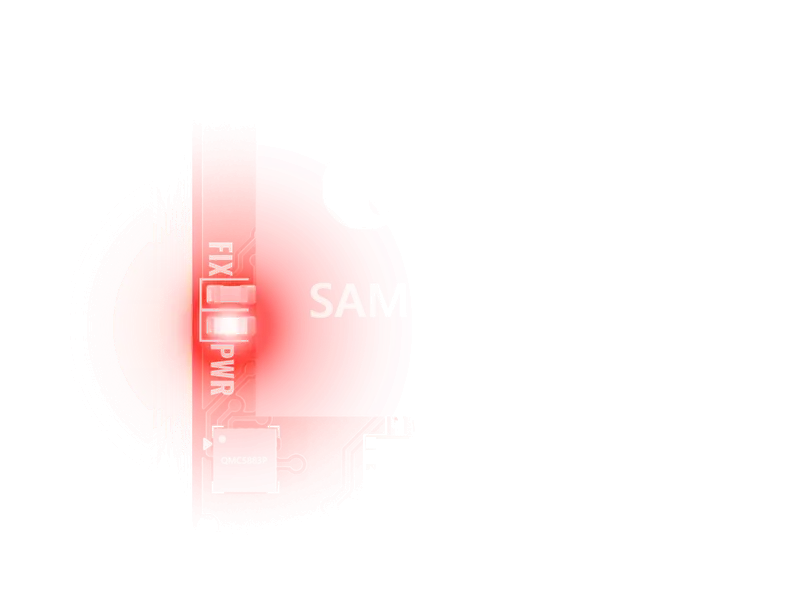
Red is power. Blue starts to blink once the receiver has a fix. Outdoors with a clear sky the first fix takes about 23 seconds from cold (the module's own figure).
A supercapacitor keeps the receiver's memory alive after the battery is unplugged, so plugging back in soon after gets a fix in about a second.
Stuck, or something here does not match your board? Ask us on WhatsApp.