Setup guide
Binding a Fiodel ELRS Receiver
Wire a Fiodel ExpressLRS receiver, bind it to your transmitter with a binding phrase or the three-power-cycle method, and set Betaflight to listen to it.
01Fit the antenna and wire it
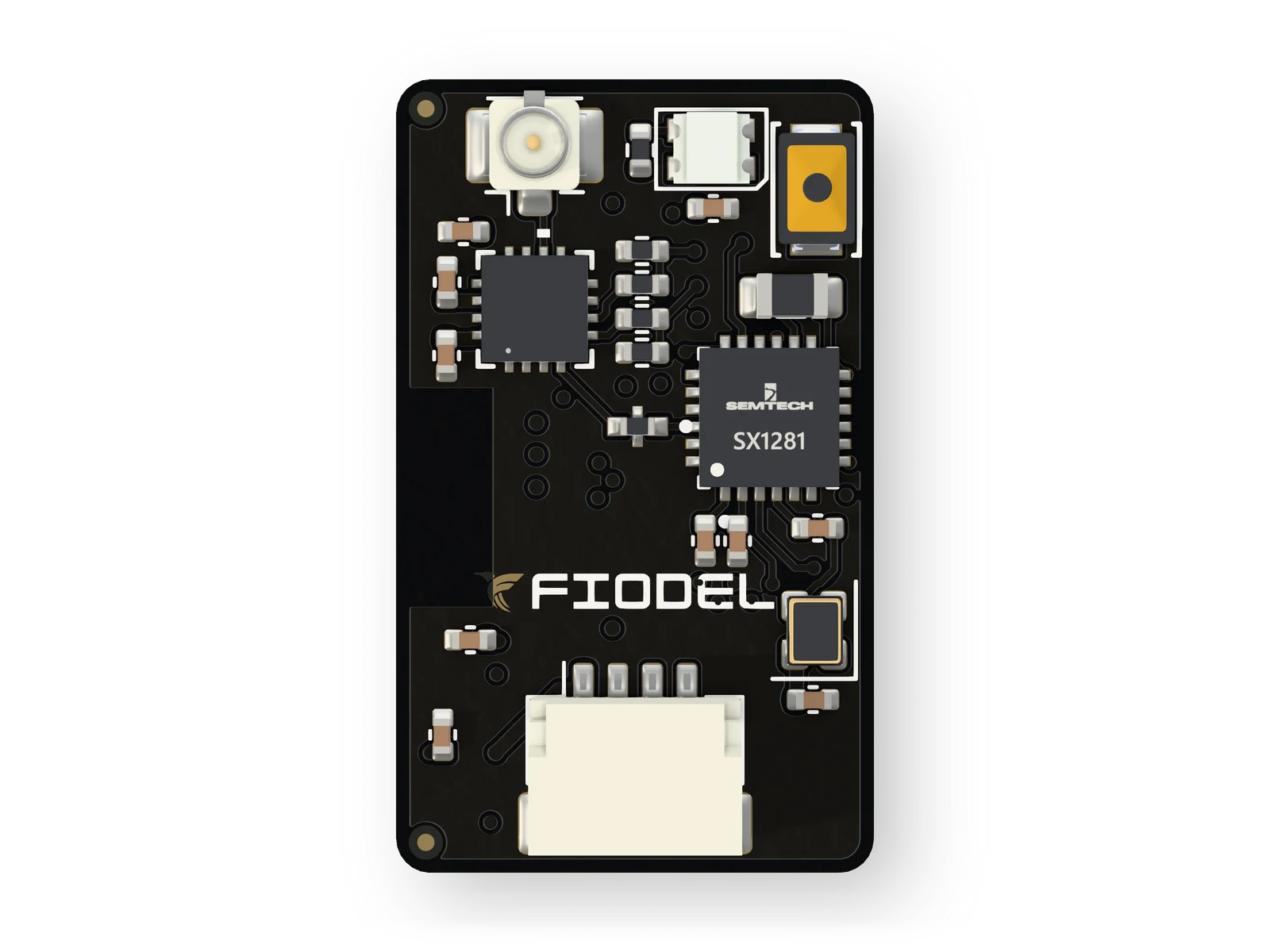
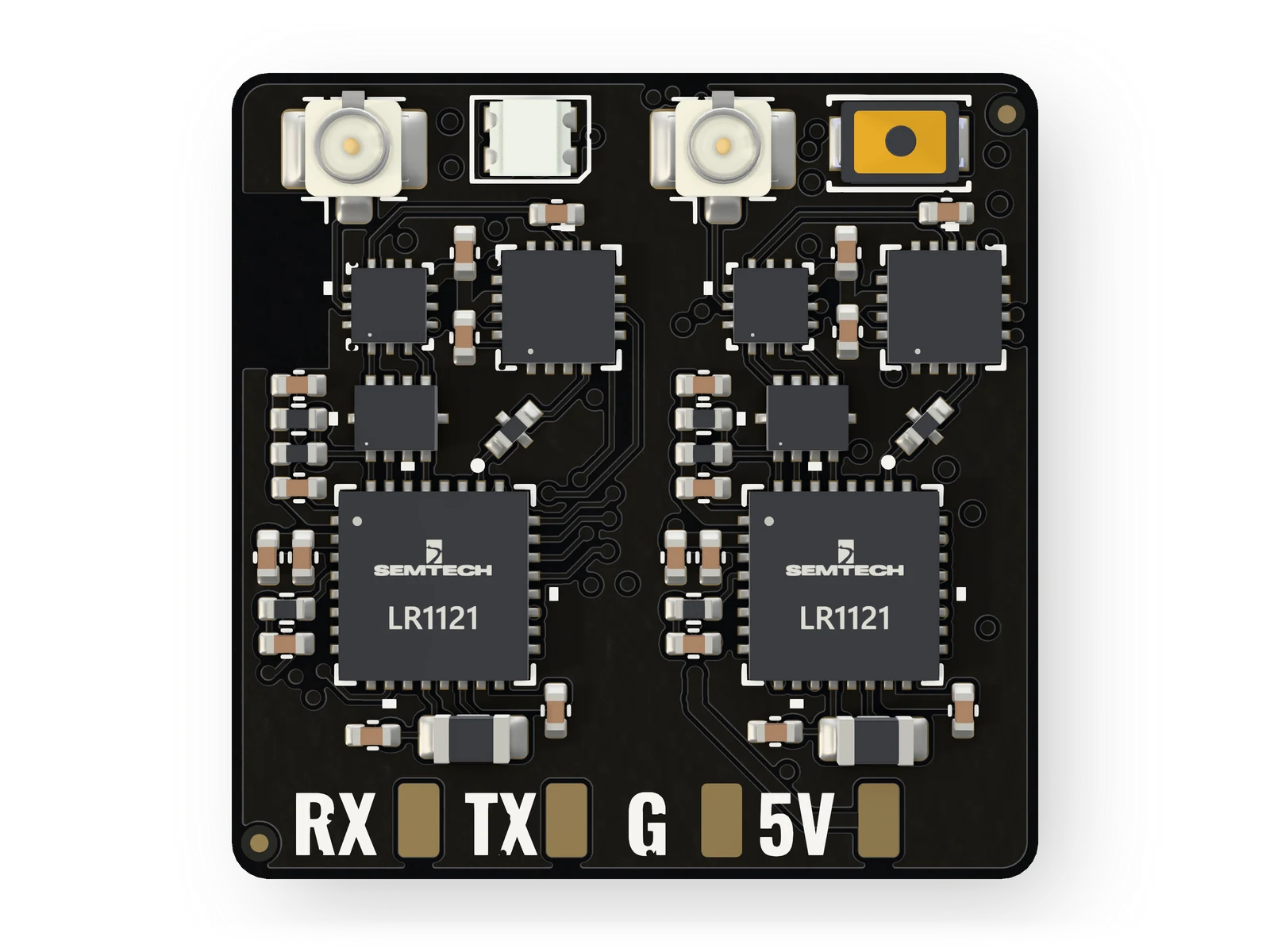
Plug the antenna into the U.FL connector before powering the receiver. On the Gemini there are two: in Gemini Xrossband the 900 MHz antenna goes on J2 (radio A) and the 2.4 GHz antenna on J3 (radio B).
On the Fiodel F405 Flight Controller the receiver plugs straight into socket J8 or J5. On another flight controller use the tinned-lead cable or the solder pads: 5 V, ground, the receiver's TX to a UART RX pad and its RX to the matching TX pad.
Fiodel cables are coloured the same way everywhere: red is power, black is ground, white is data into the flight controller, green is data out of it.
02Bind with a binding phrase
This is the usual way. Power the receiver with your transmitter switched off. After a short wait — 30 seconds on the ELRS 2.4GHz Receiver — it opens a Wi-Fi hotspot called "ExpressLRS RX". Join it and open 10.0.0.1 in a browser.
Enter the same binding phrase as the one set on your transmitter module, save, and power the receiver off and on again. It links as soon as the transmitter is on.
03Or bind without a phrase
Switch the receiver on and off three times in a row. It starts in bind mode. On the transmitter, open the ExpressLRS Lua script and choose Bind.
04Tell Betaflight
On the Ports tab, switch on Serial Rx for the UART the receiver is on — UART2 for socket J8 of the Fiodel F405, UART6 for J5. On the Receiver tab choose Serial (via UART) and CRSF. The channel bars should now follow the sticks.
05Keep the firmware in step
A receiver and a transmitter module link only when they run the same major version of ExpressLRS. The receiver's own Wi-Fi page (10.0.0.1) is also where its firmware is updated.
Gemini and Gemini Xrossband modes need a transmitter module that supports them — an LR1121-based one for Xrossband.
Stuck, or something here does not match your board? Ask us on WhatsApp.